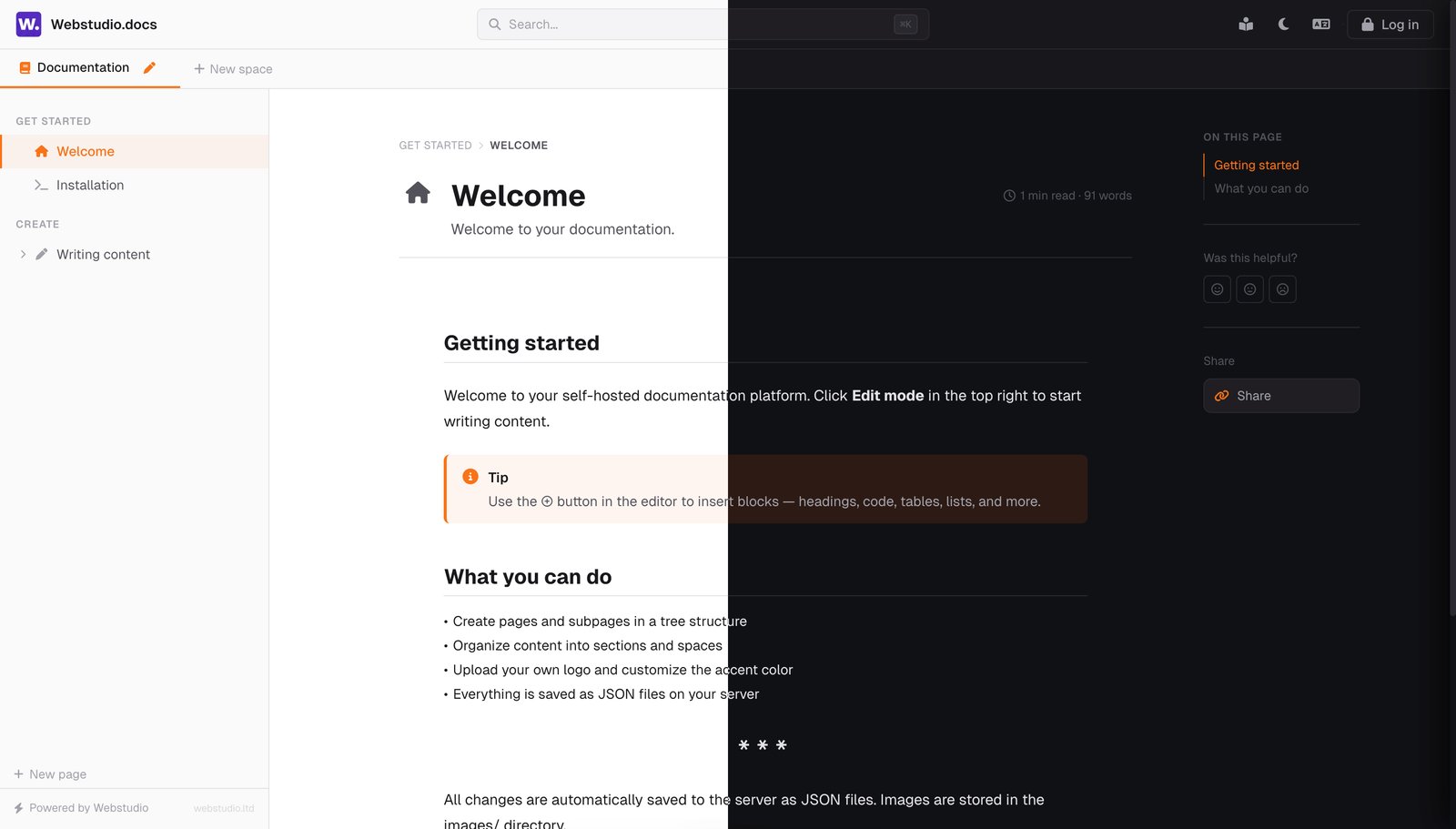
Open-source, self-hosted documentation platform.
A free GitBook alternative — 4 files, no database, no build process.
Upload to any PHP hosting and start writing.
---
## Why Webstudio Docs?
We're a web agency that got tired of paying $65/month per site for GitBook. So we built our own docs platform and open-sourced it.
**The result:**
- **4 files** — `index.php`, `api.php`, `auth.php`, `.htaccess`. That's the entire platform.
- **No database** — everything is stored as JSON files on your server.
- **No build process** — no npm, no webpack, no config files. Upload and done.
- **Self-hosted** — your server, your data, your domain. No vendor lock-in.
- **Free forever** — MIT license, no usage limits, no per-user pricing.
We use it in production for our own client projects. It works. It's fast. And it costs nothing.
### 🔗 Live Demo
Try it yourself: **[docs.web-studio.sk](https://docs.web-studio.sk)** — password: `DemoPassword@123`
---
## 🚀 Quick Start
**Requirements:** Any PHP 7.4+ hosting with write permissions. That's it.
```bash
# 1. Clone
git clone https://github.com/webstudio-ltd/docs.git
# 2. Upload to your PHP server
# index.php + api.php + auth.php + .htaccess
# 3. Open in browser → set your admin password → start writing
```
No `npm install`. No environment variables. No database migrations. No Docker. Just upload four files and you have a documentation site.
---
## ✨ Features
### Editor — 14 block types
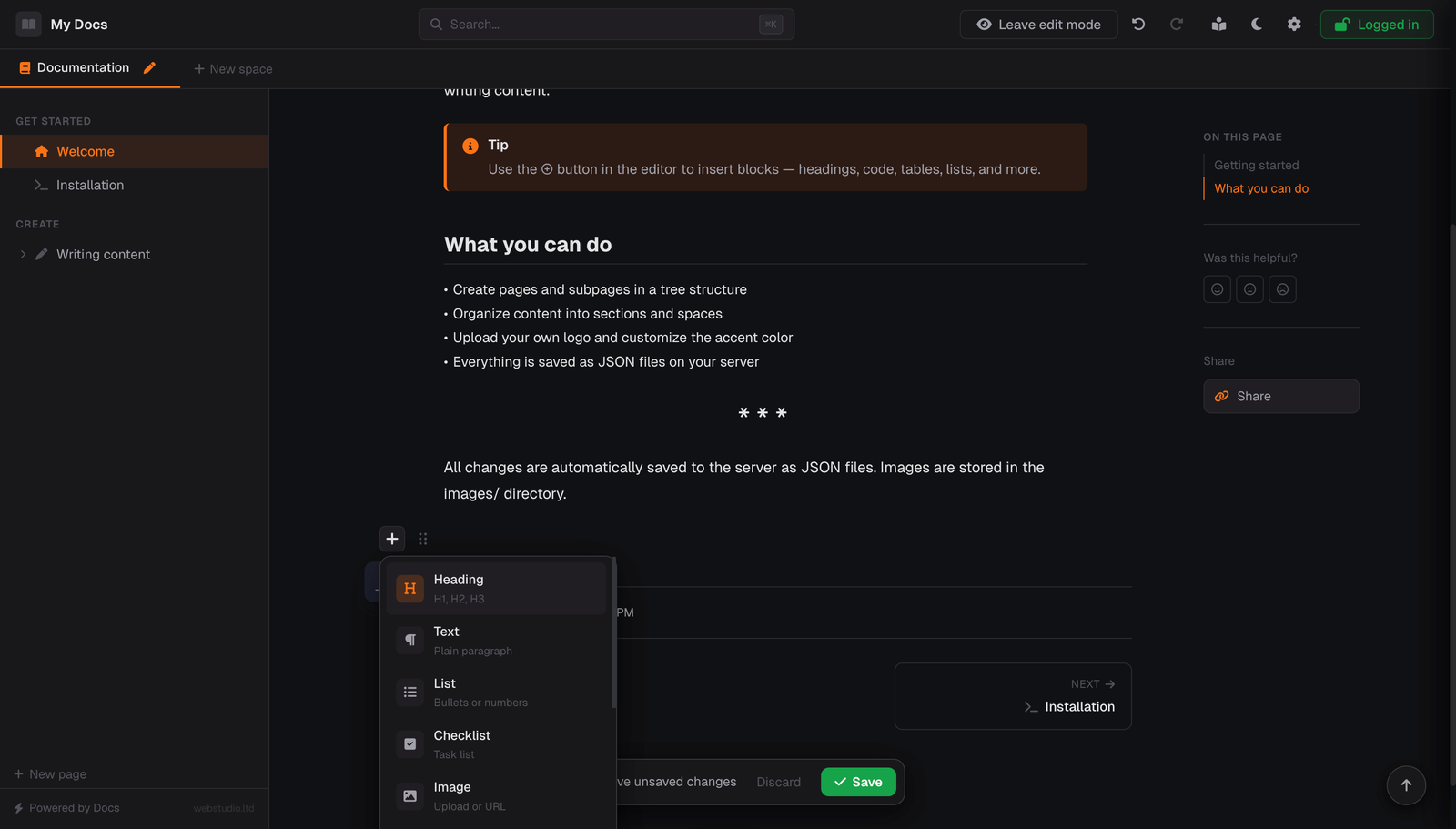
- **Slash commands** — type `/` anywhere to search and insert any block type
- **Block picker** — click ⊕ to browse all available blocks
- **Headings, paragraphs, lists, checklists** — the basics, done right
- **Code blocks** with syntax highlighting (Prism.js, 200+ languages) and one-click copy button
- **Tables** with header rows
- **Images** — upload, paste URL, or drag & drop
- **Callouts** — info, tip, warning, danger with custom titles
- **Collapsible sections** — perfect for FAQs
- **Timeline** — ideal for changelogs and release notes
- **Cards** — icon grids with links to internal pages or external URLs
- **Video embeds** — YouTube, Vimeo
- **Quotes, delimiters, inline code, markers**
- **Drag & drop** block reordering with visual drop indicator
- **Undo / Redo** with full history (Ctrl+Z / Ctrl+Shift+Z)
### Navigation & Search
- **Spaces** — separate documentation sections (like GitBook spaces)
- **Tree structure** — pages, subpages, sections, drag & drop reorder
- **Full-text search** — Ctrl+K searches titles, subtitles, and page content
- **Table of contents** — auto-generated from headings with scroll spy
- **Keyboard navigation** — ← → for prev/next page, ? for all shortcuts
- **Breadcrumbs** and **previous/next** page links
### Looks Professional
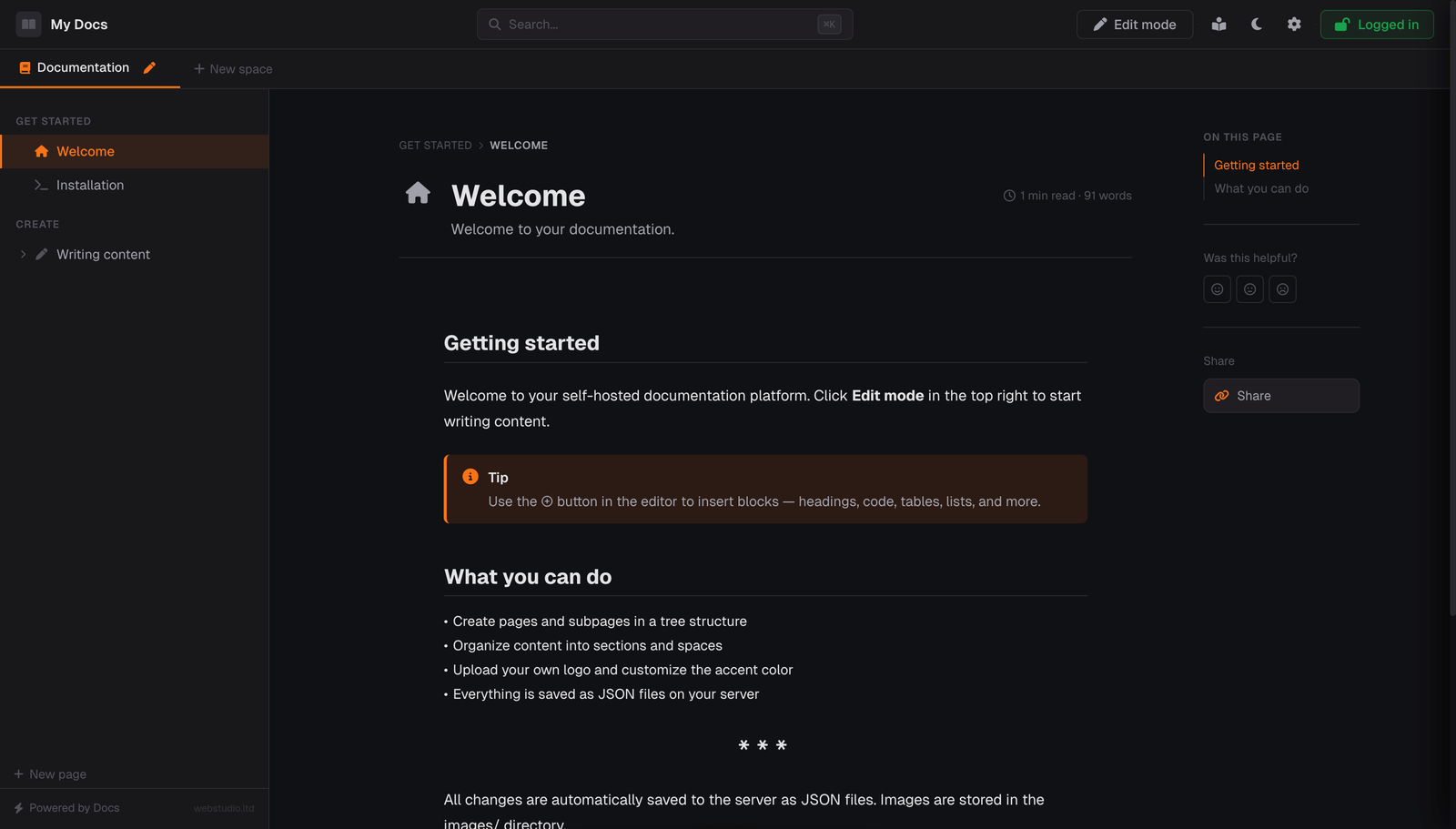
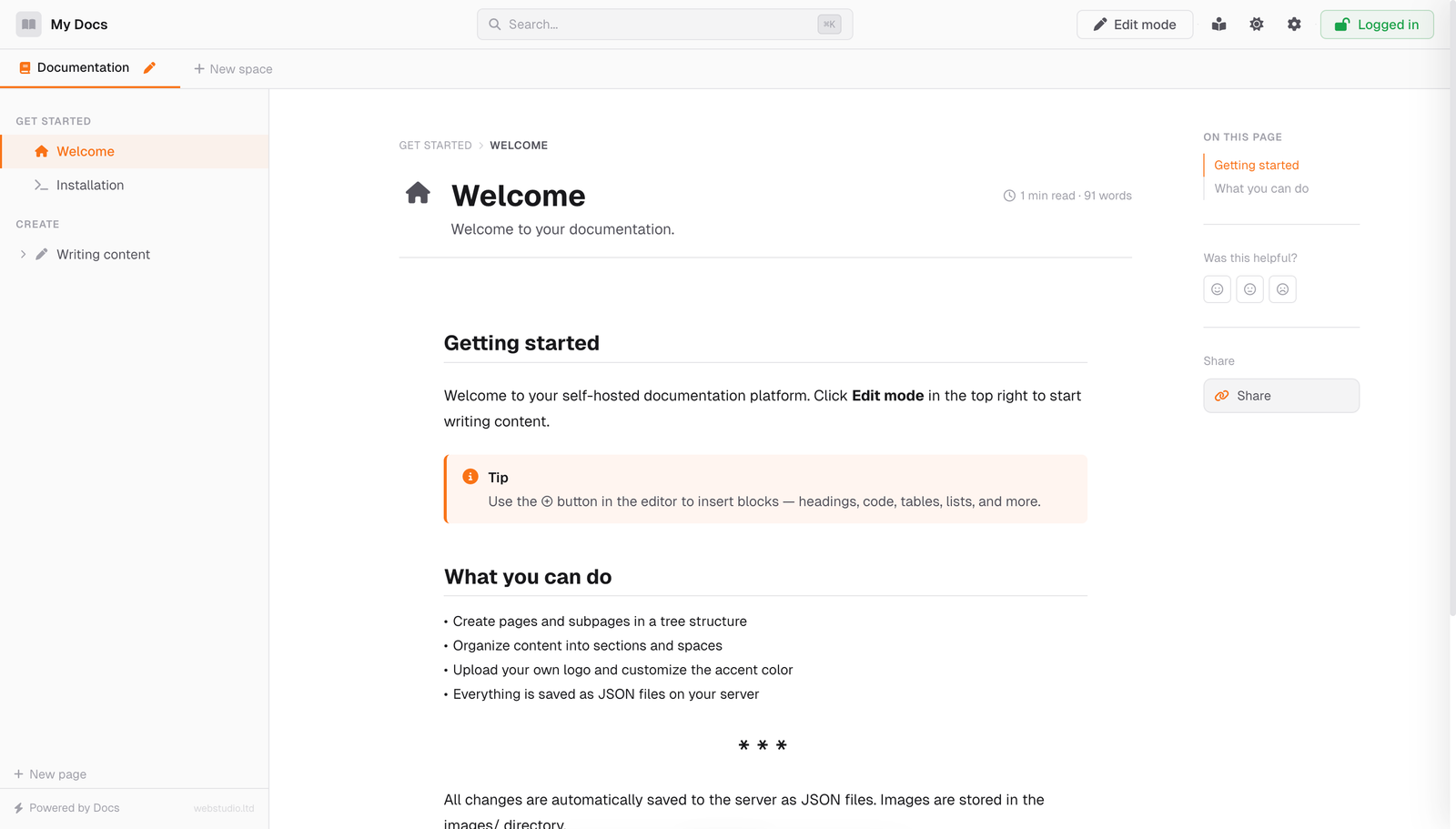
- **Dark & Light mode** — one-click toggle
- **7 accent colors** + custom color picker
- **Custom logo & favicon** — upload in settings
- **Cover images** — per-page with drag-to-reposition and gradient covers
- **Reading mode** — distraction-free focused view
- **Mobile responsive** — works on phones and tablets
### SEO & Sharing
- **Dynamic OG images** — auto-generated with page title, description and your brand colors
- **Clean URLs** — `?page=installation` not `?page=_x7f2k9`
- **Twitter cards, meta descriptions, canonical URLs** — all automatic
- **Per-page titles** — `Installation — My Docs` in browser tab
### Security
- **Setup wizard** — first-run password setup with strength validation
- **Bcrypt hashing** — passwords stored securely, never in plain text
- **Rate limiting** — 10 attempts per 5 minutes, brute force protection
- **`.htaccess` protection** — blocks direct access to data files
- **No database** — no SQL injection possible. Ever.
### Developer-Friendly
- **Easy to extend** — it's just HTML, CSS, JS and PHP. No framework, no abstraction layers
- **i18n ready** — English & Slovak built-in, add your language by copying one object
- **Page templates** — Blank, Documentation, Changelog, API Reference, Tutorial, FAQ
- **Auto-save** — never lose work
---
## 📸 Screenshots
| Dark Mode | Light Mode |
|-----------|------------|
|  |  |
| Block Editor | Cards with Links |
|-------------|-----------------|
|  | 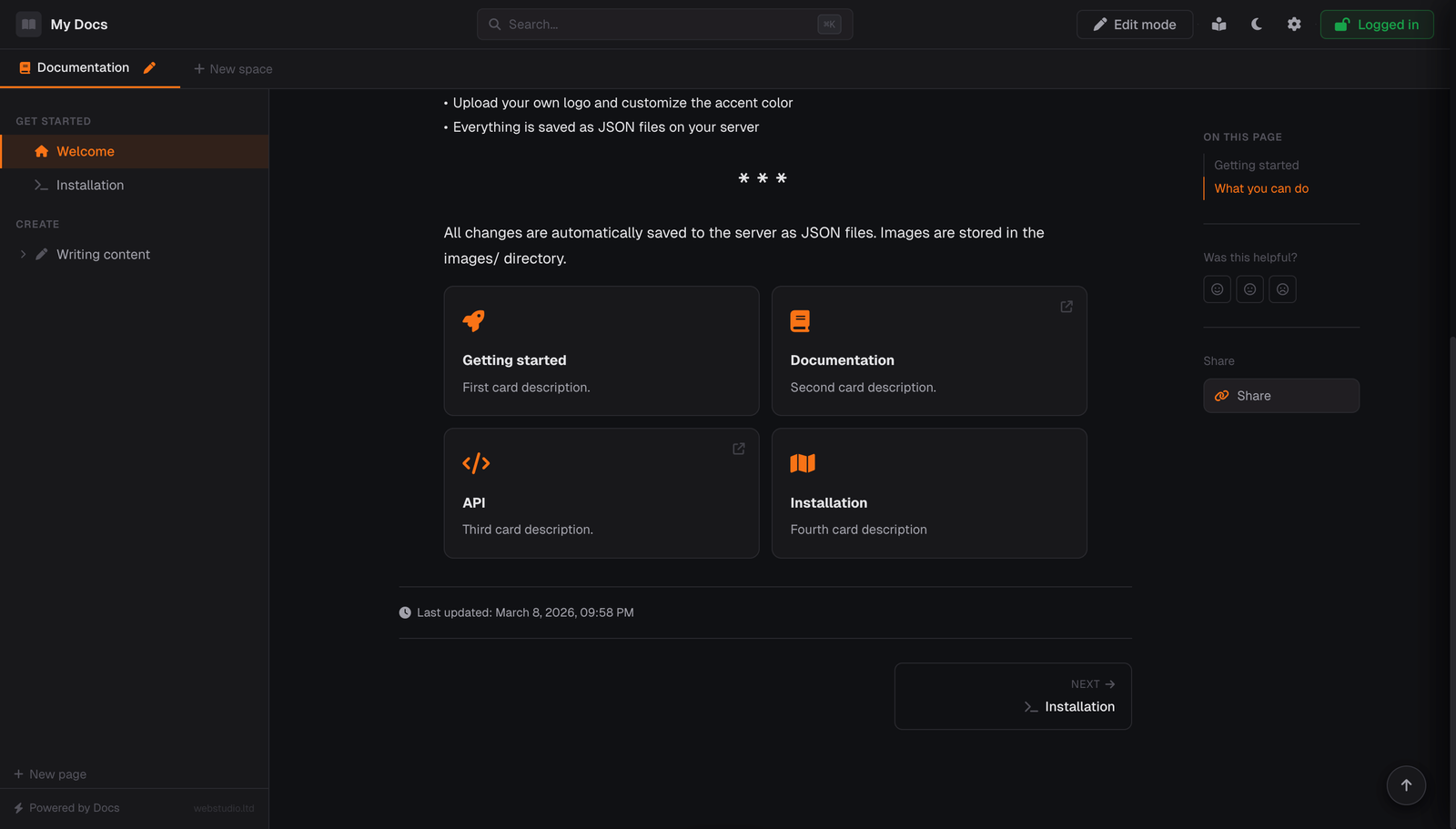 |
| Setup Wizard | Settings Panel |
|-------------|---------------|
| 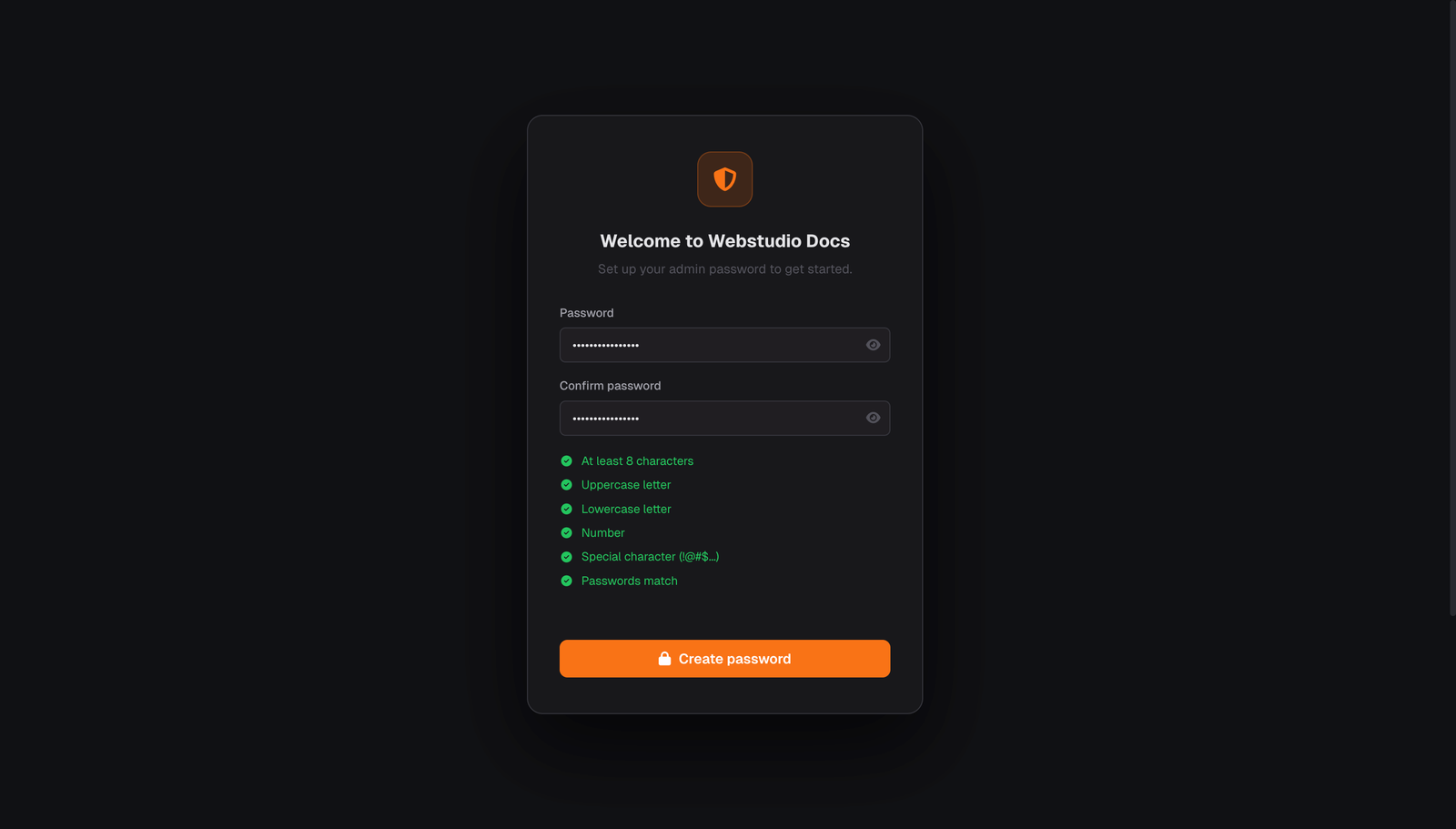 | 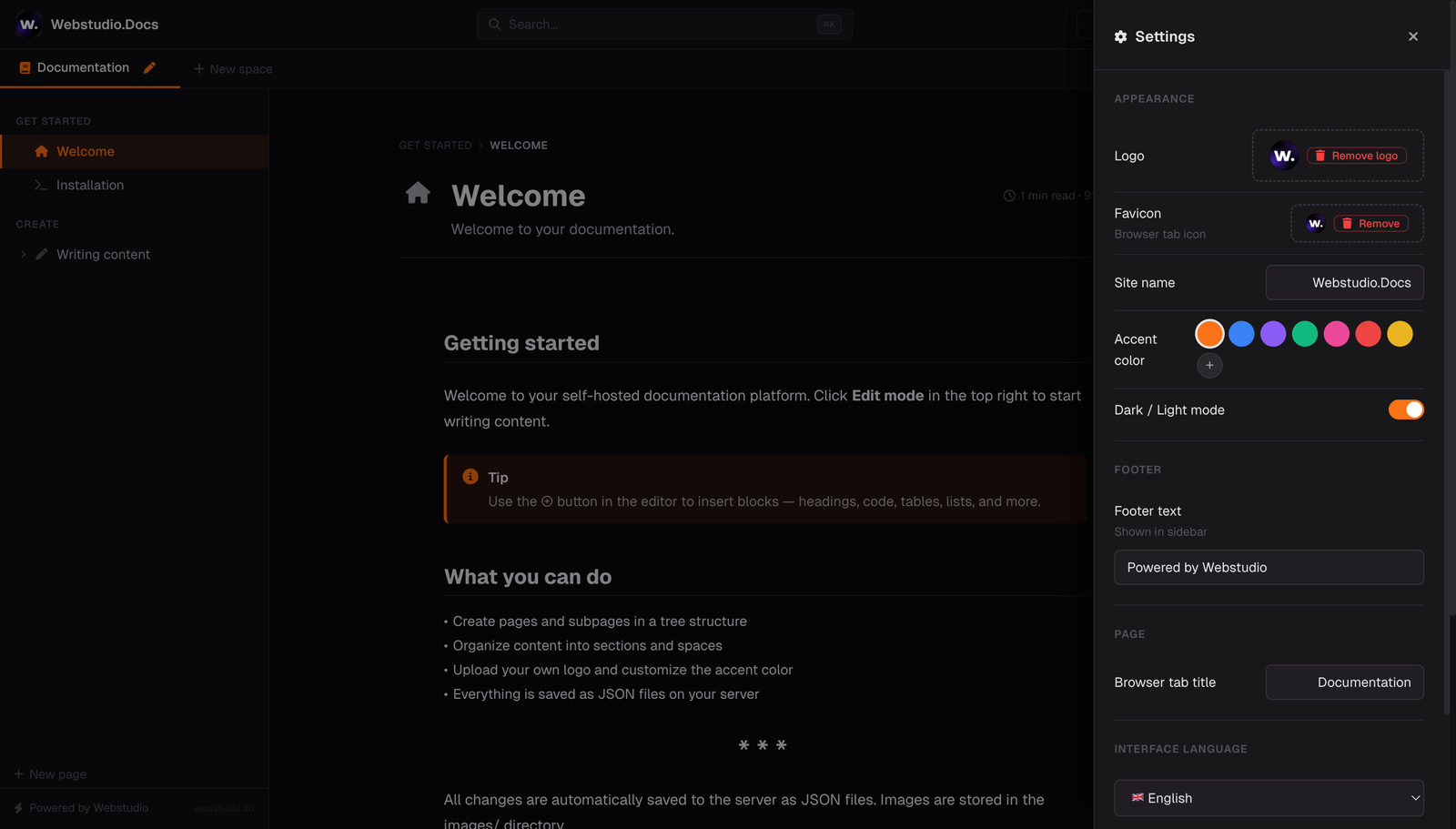 |
---
## 🗺 Roadmap
Webstudio Docs is actively developed. Here's what we're working on:
### Coming to Open Source (Free)
- [ ] Multi-user support with roles (admin / editor / viewer)
- [ ] Markdown import & export
- [ ] More languages (German, French, Spanish, Czech — PRs welcome!)
- [ ] Page versioning / history
- [ ] Keyboard shortcuts in sidebar navigation
- [ ] And more...
### 🔜 Premium Edition (Coming Soon)
We're building a **Premium version** with advanced features for teams and businesses — AI-powered writing tools, integrations, analytics, and more.
**Pricing model:** One-time purchase. No monthly fees. No per-user charges. Every purchase directly funds the continued development of the free open-source version.
👉 **Want early access?** [Star this repo](../../stargazers) and [watch for releases](../../releases) — we'll announce it here first.
---
## ⚙️ Configuration
### File Structure
```
your-docs-site/
├── index.php ← Main application (frontend + OG tag generation)
├── api.php ← Backend API (pages, spaces, images, settings)
├── auth.php ← Authentication (setup wizard, login, sessions)
├── .htaccess ← Security (blocks /data/ from direct access)
├── data/ ← Auto-created on first run
│ ├── auth.json ← Hashed password (bcrypt)
│ ├── settings.json ← Site configuration
│ ├── spaces.json ← Space definitions
│ └── pages/ ← One JSON file per page
└── images/ ← Auto-created
└── og/ ← Auto-generated social sharing images
```
### Adding a Language
1. Open `index.php`, find the `TRANSLATIONS` object
2. Copy the entire `en: { ... }` block
3. Rename to your language code (e.g. `de`, `fr`, `es`)
4. Translate the values
5. Add the option to the language `