# fultter-example-app
**Repository Path**: mzhai/fultter-example-app
## Basic Information
- **Project Name**: fultter-example-app
- **Description**: No description available
- **Primary Language**: Unknown
- **License**: Not specified
- **Default Branch**: master
- **Homepage**: None
- **GVP Project**: No
## Statistics
- **Stars**: 1
- **Forks**: 0
- **Created**: 2020-11-25
- **Last Updated**: 2021-03-12
## Categories & Tags
**Categories**: Uncategorized
**Tags**: None
## README
# Flutter-App

[](https://github.com/zhongmeizhi/fultter-example-app) [](https://github.com/zhongmeizhi/fultter-example-app) [](https://github.com/zhongmeizhi/fultter-example-app) [](https://github.com/zhongmeizhi/fultter-example-app)
### 项目介绍
> 一个功能完整齐全的Bloc模式Flutter App项目。更关注架构的SPA应用。
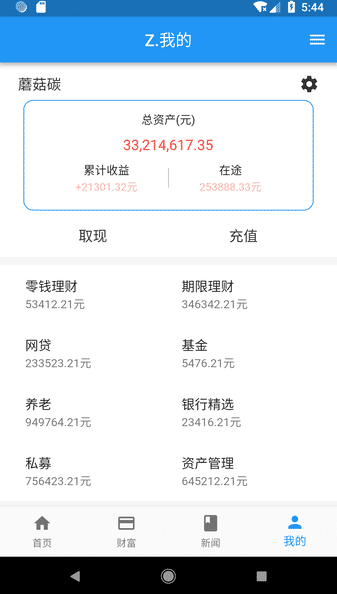
项目更关注整体架构,以`SPA`方式完成全局`Loading`,全局`Toast`,全局`命名路由动画`,参数传递等功能。以`Bloc`方式实现状态管理,一键换肤等功能。实现了屏幕适配,可自定义全局Loading的请求封装,分离开发、测试、生产环境,WebView自然也一定要有咯。项目大部分都使用Flutter原生API来完成。使用少量原生插件。喜欢请Star,尽量别 Fork。
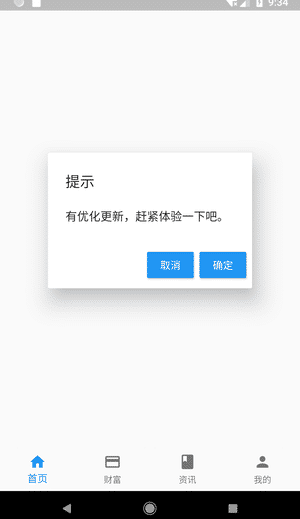
APP强更提示:
* 虚拟机似乎不支持强更,需要用真机试
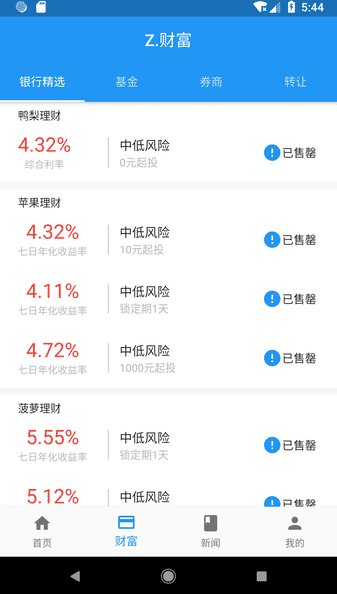
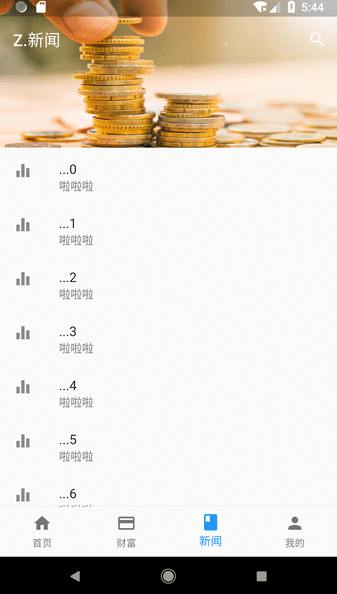
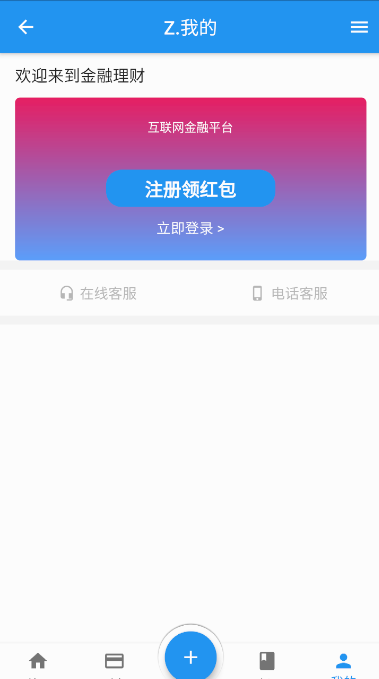
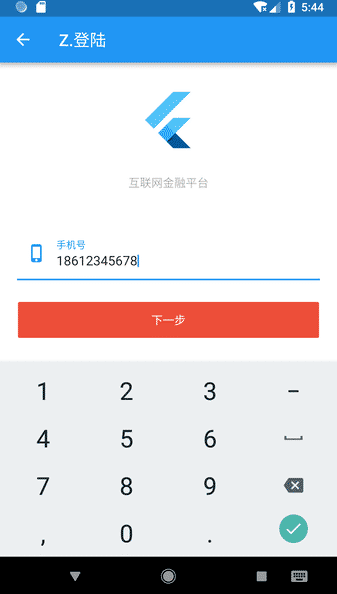
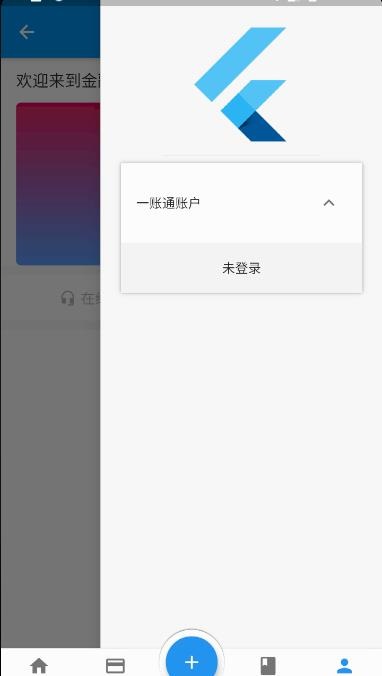
### 项目预览
|||||
|:--:|:--:|:--:|:--:|
||||
|||||
### 项目计划
* [x] ZFit 屏幕适配
* [x] RouteSetting + 路由数据回传
* [x] 自定义App桌面 图标 + 名称
* [x] 无限轮播图
* [x] EventBus
* [x] koa2 + node 后台服务器
* [x] 封装请求
* [x] Storage 保持登录状态
* [x] 解决页面切换重绘问题
* [x] webview
* [x] 下拉刷新 + 上拉加载
* [x] keepa-live && 缓存Widget
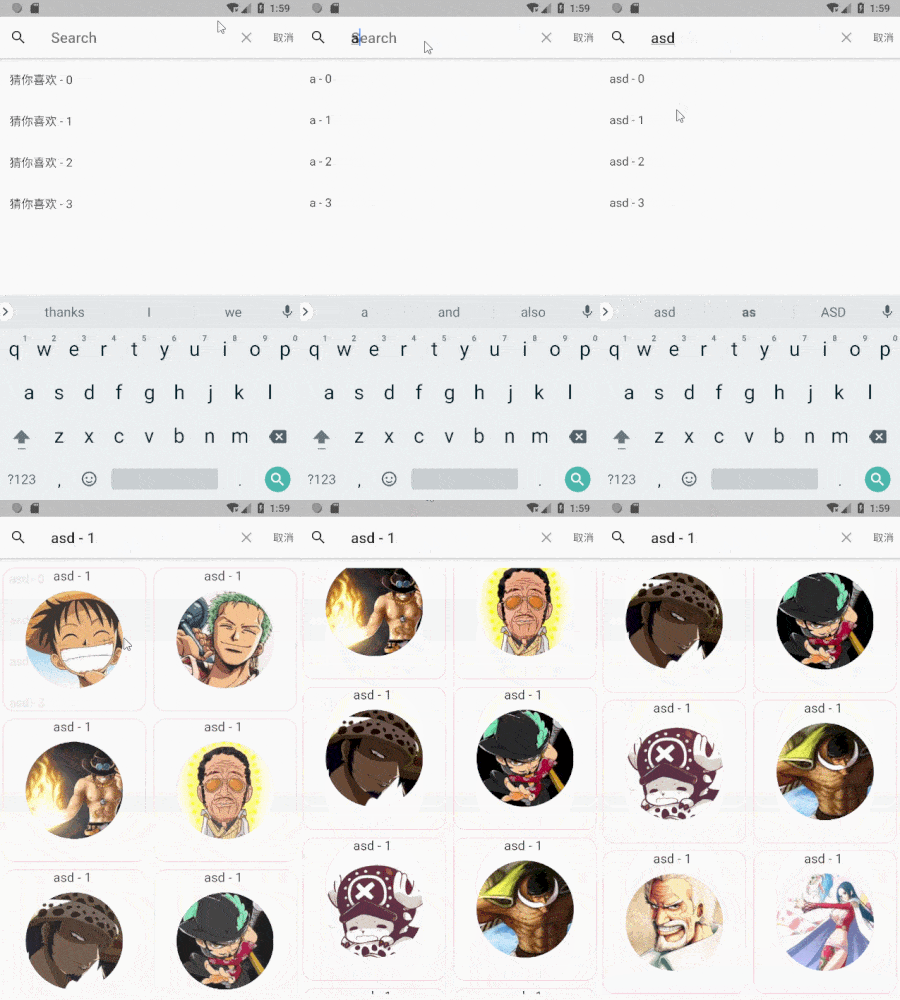
* [x] 搜索功能
* [x] App强制更新
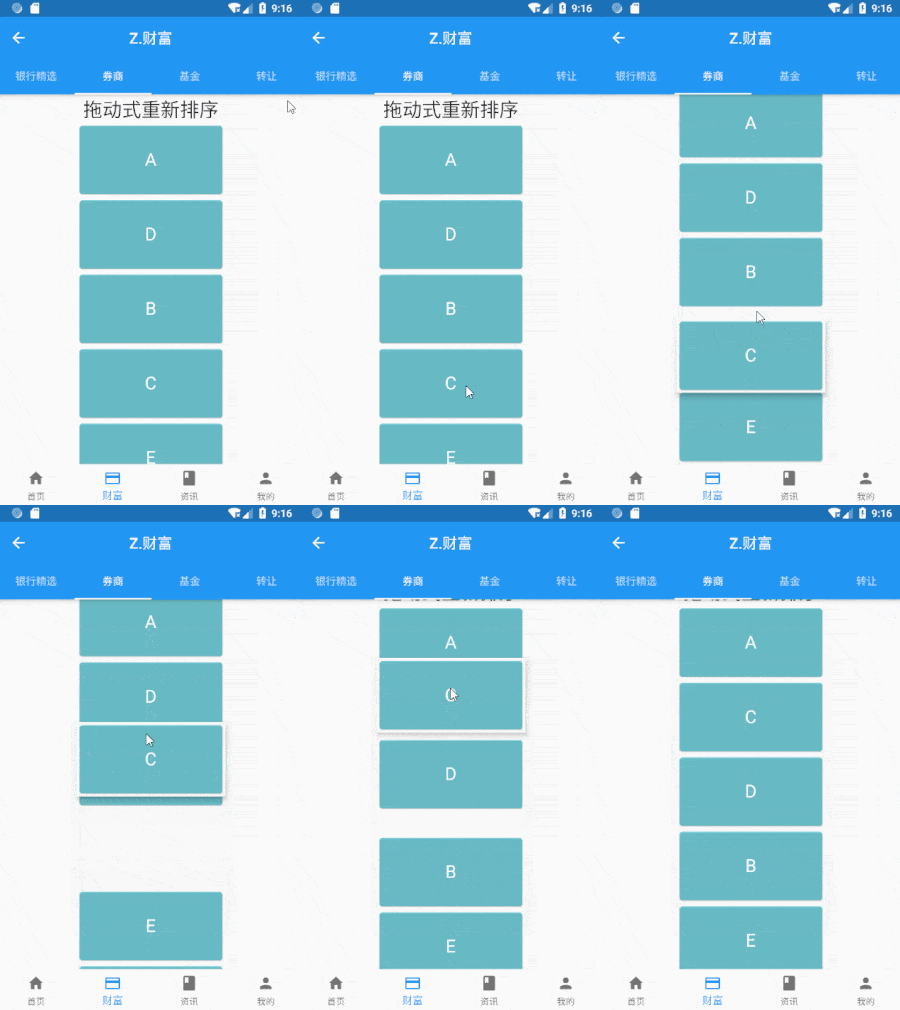
* [x] 拖动式排序
* [x] BLoC模式 实现状态管理
* [x] 一键换肤
* [x] 重写Flutter部分类
* [x] 全局Toast + 全局 Dialog
* [x] 全局 命名路由动画
* [x] 实现 SPA (单页面应用)
* [x] 环境分离
* [x] 元数据(由于flutter不支持反射,End)
* [ ] Bloc模式完善
* [ ] node架构完善
### 目录结构
主目录:
* assets:静态文件
* back-end:mock数据
lib目录:
* config:配置文件
* domain:实体类
* bloc:逻辑模块
* page:页面
* plugin:独立组件/插件
* routes:路由
* service:接口封装 + API地址
* styles: 常用样式类
* utils:工具类
* view:可复用Widget
主要管理文件
* `service.dart` :请求管理
* `manager_page.dart` :单页管理
### Node 后台:
1. 安装`node.js`
2. cd 到项目`back-end`目录下
3. 控制台运行`npm i`
4. 控制台运行`node server.js`
5. 启动服务端成功
6. tip:记得先要修改`config`文件下的 baseUrl
7. tip:如果要启动node的负载均衡/热重载请使用[PM2](https://www.npmjs.com/package/pm2)
附: 如果是本地调试,baseUrl请使用`IP + 端口`
End 附:
* BLoC模式
* 不使用setState就能刷新页面
* 在多个页面中共享状态。
[Flutter API文档](https://flutter.io/docs/get-started/codelab)