# audio-editor
**Repository Path**: la-vie/audio-editor
## Basic Information
- **Project Name**: audio-editor
- **Description**: No description available
- **Primary Language**: JavaScript
- **License**: Not specified
- **Default Branch**: master
- **Homepage**: None
- **GVP Project**: No
## Statistics
- **Stars**: 0
- **Forks**: 0
- **Created**: 2021-12-05
- **Last Updated**: 2022-06-17
## Categories & Tags
**Categories**: Uncategorized
**Tags**: None
## README
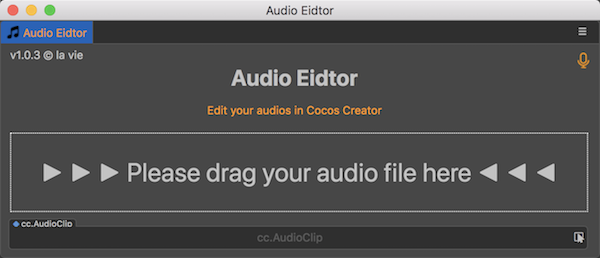
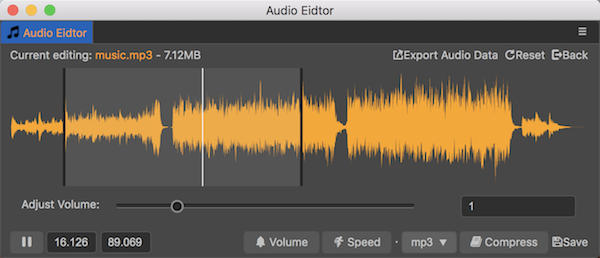
# Audio Editor
***Edit your audios in Cocos Creator.***
### Download ffmpeg
After downloading Audio Editor in Cocos Store, you also need to download [ffmpeg](https://ffmpeg.org/download.html) as Audio Editor is developed based on it.
- If you are using MacOS, click here: [ffmpeg for
MacOS](https://evermeet.cx/ffmpeg/)
- If you are using Windows, click here: [ffmpeg for
Windows](https://www.gyan.dev/ffmpeg/builds/)
- For your convenience, I've put ffmpeg and ffprobe on [github](https://github.com/la-vie-est-belle/ffmpeg-ffprobe) and [gitee](https://gitee.com/la-vie/ffmpeg-ffprobe), you may download them there.
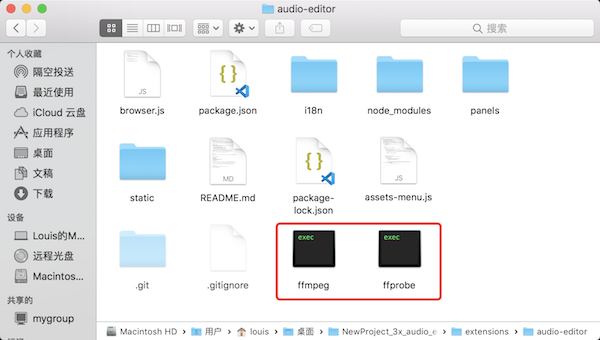
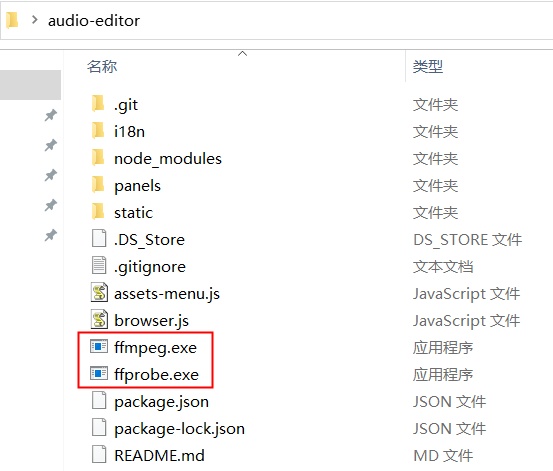
Then, move ffmpeg and ffprobe to the root directory of audio editor.
At last, restart Cocos Creator, and enjoy editing audios. :)
### How To Use
Very easy. Check out this [introduction video](https://www.bilibili.com/video/BV1DR4y147JG/).
### Functions Up To Now
1. Cut
2. Compress file
3. Change speed
4. Change volume
5. Change format (mp3, wav, aac, ogg)
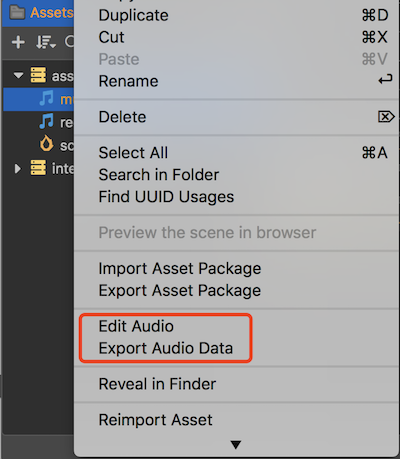
6. start editing via context menu
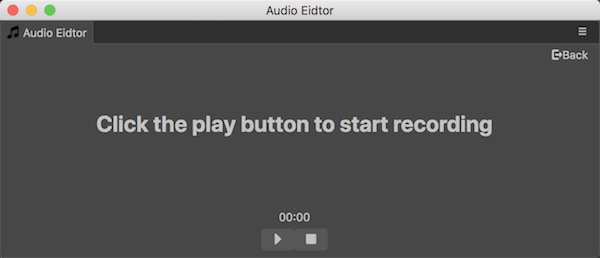
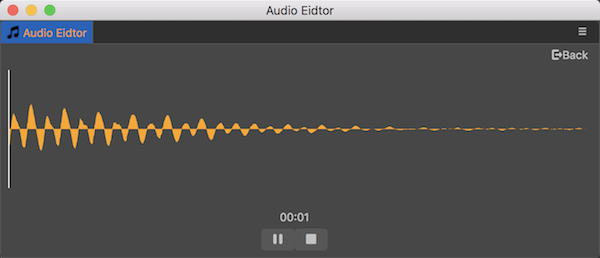
7. Record
8. Get audio data
### Contact author
For any suggestions and questions, please send me an email. :)
**email:** louasure@126.com