Vector Search Engine for the next generation of AI applications






Quick Start • Agent Skills • Client Libraries • Demo Projects • Integrations • Contact
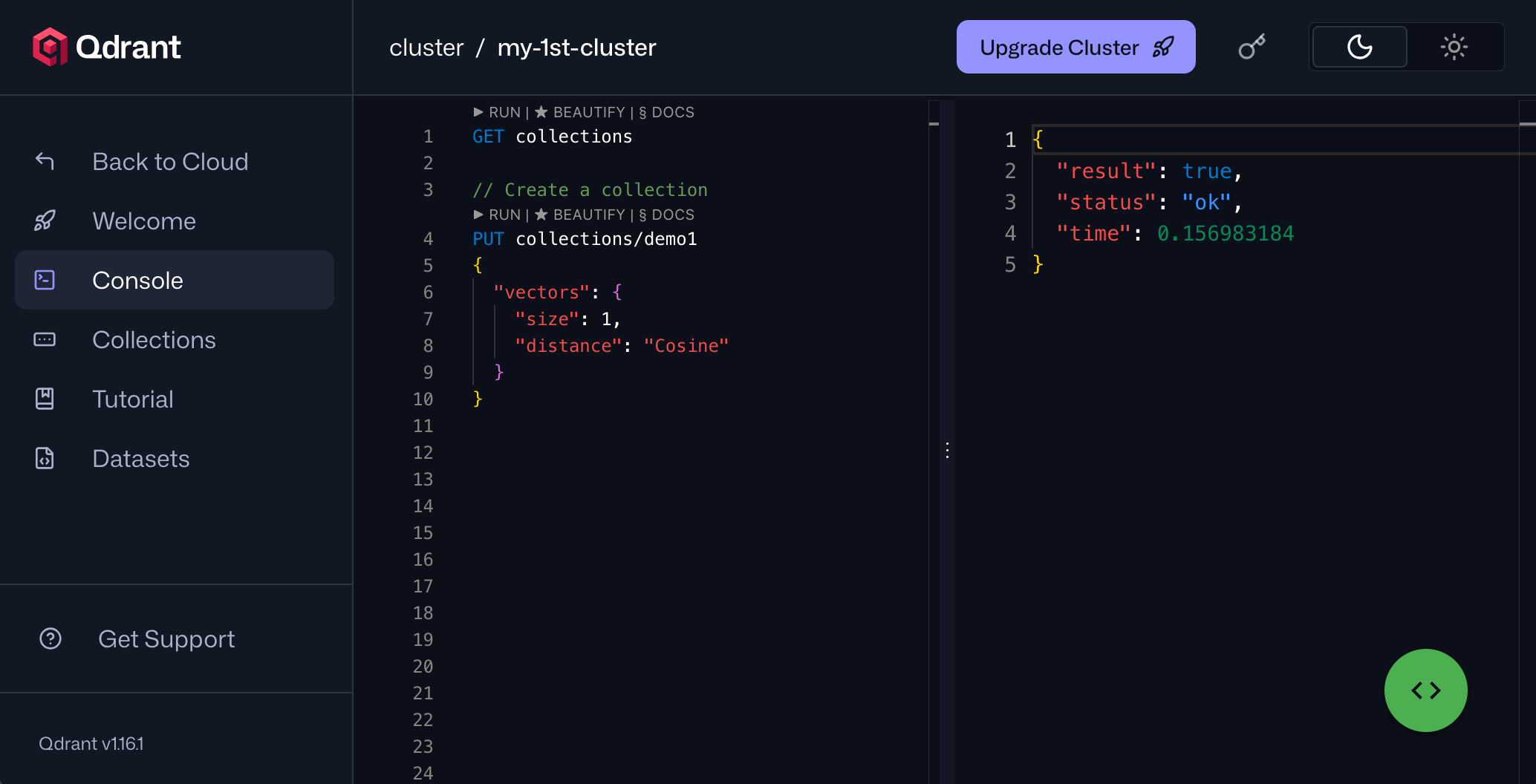
## Getting Started ### Agent Skills Qdrant provides a collection of ready-to-use [agent skills](https://github.com/qdrant/skills) that bring Qdrant's vector search capabilities directly into your AI coding assistant. Install these skills to empower your agent in making critical engineering decisions for optimal vector search performance, such as quantization, sharding, tenant isolation, hybrid search, model migration, and more. ### Client-Server To experience the full power of Qdrant locally, run the container with this command: ```bash docker run -p 6333:6333 qdrant/qdrant ``` Note that this starts an insecure deployment without authentication, open to all network interfaces. Please refer to [secure your instance](https://qdrant.tech/documentation/security/#secure-your-instance). Now you can connect to the server with any [client](#clients). For example, using Python: ```python from qdrant_client import QdrantClient client = QdrantClient(url="http://localhost:6333") ``` Before deploying Qdrant to production, be sure to read our [installation](https://qdrant.tech/documentation/installation/) and [security](https://qdrant.tech/documentation/security/) guides. ### Clients Qdrant offers the following client libraries to help you integrate it into your application stack: - Official: - [Go client](https://github.com/qdrant/go-client) - [Rust client](https://github.com/qdrant/rust-client) - [JavaScript/TypeScript client](https://github.com/qdrant/qdrant-js) - [Python client](https://github.com/qdrant/qdrant-client) - [.NET/C# client](https://github.com/qdrant/qdrant-dotnet) - [Java client](https://github.com/qdrant/java-client) - Community: - [PHP](https://github.com/hkulekci/qdrant-php) ### Qdrant Edge [Qdrant Edge](https://qdrant.tech/documentation/edge/) is a lightweight version of Qdrant designed for edge devices and resource-constrained environments. Unlike Qdrant Server, which uses a client-server architecture, Qdrant Edge runs inside the application process. Data is stored and queried locally and can be synchronized with a Qdrant server. It offers the same powerful vector search capabilities as the client-server version but with a smaller footprint, making it ideal for applications that require low latency and offline functionality. To get started with Qdrant Edge from Python or Rust, initialize an instance of EdgeShard, which exposes methods to manage data, query it, and restore snapshots. For example: ```python from qdrant_edge import Distance, EdgeConfig, EdgeVectorParams, EdgeShard, Point, UpdateOperation shard = EdgeShard.create("./shard", EdgeConfig( vectors={"my-vector": EdgeVectorParams(size=4, distance=Distance.Cosine)} )) shard.update(UpdateOperation.upsert_points([ Point(id=1, vector={"my-vector": [0.1, 0.2, 0.3, 0.4]}, payload={"color": "red"}) ])) ``` ### Where Do I Go from Here? - [Quick Start Guide](https://qdrant.tech/documentation/quickstart/) - Detailed [Documentation](https://qdrant.tech/documentation/) - Take the [Qdrant Essentials course](https://qdrant.tech/course/essentials/) - Follow [this tutorial](https://qdrant.tech/documentation/tutorials-basics/search-beginners/) to create a semantic search engine with Qdrant ## Demo Projects ### Discover Semantic Text Search 🔍 Unlock the power of semantic embeddings with Qdrant, transcending keyword-based search to find meaningful connections in short texts. Deploy a neural search in minutes using a pre-trained neural network, and experience the future of text search. [Try it online!](https://qdrant.to/semantic-search-demo) ### Explore Similar Image Search - Food Discovery 🍕 There's more to discovery than text search, especially when it comes to food. People often choose meals based on appearance rather than descriptions and ingredients. Let Qdrant help your users find their next delicious meal using visual search, even if they don't know the dish's name. [Check it out!](https://qdrant.to/food-discovery) ### Master Extreme Classification - E-Commerce Product Categorization 📺 Enter the cutting-edge realm of extreme classification, an emerging machine learning field tackling multi-class and multi-label problems with millions of labels. Harness the potential of similarity learning models, and see how a pre-trained transformer model and Qdrant can revolutionize e-commerce product categorization. [Play with it online!](https://qdrant.to/extreme-classification-demo) ## API ### REST Qdrant provides a REST API with an [OpenAPI 3.0 specification](https://api.qdrant.tech/), enabling client generation for virtually any framework or programming language. You can also download the raw [OpenAPI definitions](https://github.com/qdrant/qdrant/blob/master/docs/redoc/master/openapi.json). ### gRPC For faster, production-tier searches, Qdrant also provides a [gRPC interface](https://qdrant.tech/documentation/interfaces/#grpc-interface). ## Features ### Dense, Sparse, and Multi Vector Search Qdrant supports dense vectors for semantic similarity, sparse vectors for full-text search, and multivector search for objects with multiple embeddings or late interaction models like ColBERT. ### Filtering on Payload Attach any JSON payload to your vectors and filter on it using a rich set of conditions—keyword matching, full-text, numeric ranges, geo-locations, and more—combined with `should`, `must`, and `must_not` clauses. ### Hybrid Search Combine multiple vectors in a single query to get the best of semantic understanding and keyword precision, with results merged via configurable fusion strategies, such as Reciprocal Rank Fusion (RRF) and Distribution-Based Score Fusion (DBSF). ### Vector Quantization and On-Disk Storage Built-in quantization cuts RAM usage by up to 97% and lets you tune the trade-off between search speed and precision. ### Distributed Deployment Scale horizontally with sharding and replication, and update or resize collections with zero downtime. ### Highlighted Features * **Faceting** - aggregate search results by payload values. * **Recommendation** - use positive and negative examples to find similar points. * **Discovery** - constrain search to a specific region of the vector space. * **Search Relevance Tuning** - tools for adjusting search results, such as Maximal Marginal Relevance (MMR) and the Relevance Feedback Query. * **Multitenancy** - scalable partitioning of data for multi-user environments. * **Observability** - comprehensive metrics, telemetry, and audit logging for monitoring and debugging. * **Query Planning and Payload Indexes** - leverages stored payload information to optimize query execution strategy. * **SIMD Hardware Acceleration** - utilizes modern CPU x86-x64 and Neon architectures to deliver better performance. * **GPU Support** - for accelerated indexing, with support for NVIDIA and AMD GPUs. * **Async I/O** - uses `io_uring` to maximize disk throughput utilization even on network-attached storage. * **Write-Ahead Logging** - ensures data persistence with update confirmation, even during power outages. ### Web UI Web UI provides a visual way to interact with your data and monitor the health of your deployment. It enables you to explore your collections, manage data, interact with the REST API, and more.