# adguard
**Repository Path**: jackweir/adguard
## Basic Information
- **Project Name**: adguard
- **Description**: AdGuard 是一种快速、轻量级的广告拦截浏览器扩展程序,可有效拦截所有类型的广告和跟踪器
- **Primary Language**: JavaScript
- **License**: GPL-3.0
- **Default Branch**: master
- **Homepage**: https://www.oschina.net/p/adguard
- **GVP Project**: No
## Statistics
- **Stars**: 0
- **Forks**: 1
- **Created**: 2022-06-16
- **Last Updated**: 2022-06-16
## Categories & Tags
**Categories**: Uncategorized
**Tags**: None
## README

Ad blocker with advanced privacy protection features
AdGuard is a fast and lightweight ad blocking browser extension
that effectively blocks all types of ads and trackers.
AdGuard.com |
Reddit |
Twitter |
Telegram

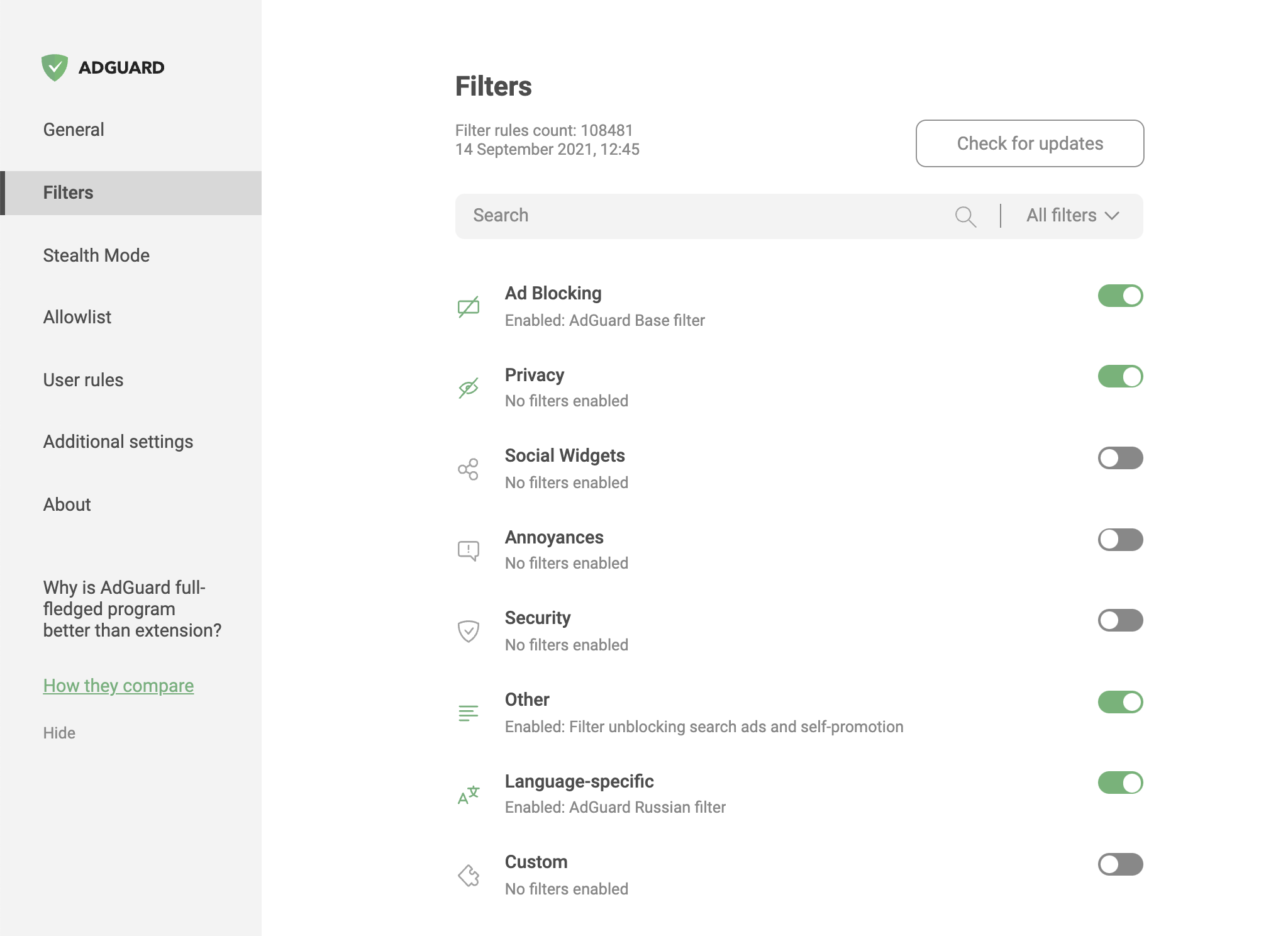
AdGuard is a fast and lightweight ad blocking browser extension that effectively blocks all types of ads and trackers on all web pages. We focus on advanced privacy protection features to not just block known trackers, but prevent web sites from building your shadow profile. Unlike its standalone counterparts (AG for Windows, Mac), the browser extension is completely free and open source. You can learn more about [the difference](https://adguard.com/compare.html) here.
> AdGuard does not collect any information about you, and does not participate in any acceptable ads program. The only source of income we have is selling premium versions of our software, and we intend to keep it that way.
* [Installation](#installation)
* [Chrome and Chromium-based browsers](#installation-chrome)
* [Firefox](#installation-firefox)
* [Opera](#installation-opera)
* [Microsoft Edge](#installation-edge)
* [Contribution](#contribution)
* [Translating AdGuard](#contribution-translating)
* [Testing AdGuard](#contribution-testing)
* [Reporting issues](#contribution-reporting)
* [Other options](#contribution-other)
* [Development](#dev)
* [Requirements](#dev-requirements)
* [How to build](#dev-build)
* [Linter](#dev-linter)
* [Update localizations](#dev-localizations)
* [Minimum supported browser versions](#minimum-supported-browser-versions)
## Installation
### Chrome and Chromium-based browsers
You can get the latest available AdGuard Extension version from the [Chrome Web Store](https://agrd.io/extension_chrome).
### Firefox
You can get the latest version of AdGuard Extension from the [Mozilla Add-ons website](https://agrd.io/extension_firefox).
### Opera
Opera is basically a Chromium browser, but it maintains its own add-ons store. You can get AdGuard Extension [from there](https://agrd.io/extension_opera).
### Microsoft Edge
The latest stable version of AdGuard browser extension is available in [Microsoft Store](https://agrd.io/extension_edge).
## Contribution
We are blessed to have a community that does not only love AdGuard, but also gives back. A lot of people volunteer in various ways to make other users' experience with AdGuard better, and you can join them!
We, on our part, can only be happy to reward the most active members of the community. So, what can you do?
### Translating AdGuard
If you want to help with AdGuard translations, please learn more about translating our products here: https://kb.adguard.com/en/general/adguard-translations
### Testing AdGuard
You can get a beta version of AdGuard Browser Extension for any browser. All necessary information on this topic can be found on a [dedicated page on our website](https://adguard.com/beta.html).
### Reporting issues
GitHub can be used to report a bug or to submit a feature request. To do so, go to [this page](https://github.com/AdguardTeam/AdguardBrowserExtension/issues) and click the *New issue* button.
>**Note:** for the filter-related issues (missed ads, false positives etc.) use the [dedicated repository](https://github.com/AdguardTeam/AdguardFilters).
### Other options
Here is a [dedicated page](https://adguard.com/contribute.html) for those who are willing to contribute.
## Development
> Since version 4.0, Adguard browser extension uses opensource [tsurlfilter](https://github.com/AdguardTeam/tsurlfilter) library for implementing content blocking rules.
### Requirements
- [node.js LTS](https://nodejs.org/en/download/)
- NPM v8
- [yarn v1.22](https://yarnpkg.com/en/docs/install/)
Install local dependencies by running:
```
yarn install
```
### How to build
**How to run tests**
```
yarn test
```
**Building the dev version**
Run the following command:
```
yarn dev
```
This will create a build directory with unpacked extensions for all browsers:
```
build/dev/chrome
build/dev/edge
build/dev/firefox-amo
build/dev/firefox-standalone
build/dev/opera
```
**Building the beta and release versions**
Before building the release version, you should manually download necessary resources: filters and public suffix list.
```
yarn resources
```
```
CREDENTIALS_PASSWORD= yarn beta
CREDENTIALS_PASSWORD= yarn release
```
You will need to put certificate.pem and mozilla_credentials.json files to the `./private` directory. This build will create unpacked extensions and then pack them (crx for Chrome, xpi for Firefox).
**Building the sample extension with API**
Run the following command:
```
yarn adguard-api
```
This will create a build directory with unpacked sample extension for chromium browsers:
```
build/dev/adguard-api
```
### Linter
Despite our code may not currently comply with new style configuration,
please, setup `eslint` in your editor to follow up with it `.eslintrc`
### Update localizations
To download and append localizations run:
```
yarn locales:download
```
To upload new phrases to crowdin you need the file with phrases `./Extension/_locales/en/messages.json`. Then run:
```
yarn locales:upload
```
To remove old messages from locale messages run:
```
yarn locales:renew
```
To validate translations run:
```
yarn locales:validate
```
To show locales info run:
```
yarn locales:info
```
## Minimum supported browser versions
| Browser | Version |
|------------------------- |:---------:|
| Chromium Based Browsers | 79 |
| Firefox | 78 |
| Opera | 66 |
| Edge | 79 |