# BaoTa
**Repository Path**: efreets/BaoTa
## Basic Information
- **Project Name**: BaoTa
- **Description**: No description available
- **Primary Language**: Unknown
- **License**: Not specified
- **Default Branch**: master
- **Homepage**: None
- **GVP Project**: No
## Statistics
- **Stars**: 0
- **Forks**: 0
- **Created**: 2025-08-05
- **Last Updated**: 2026-03-18
## Categories & Tags
**Categories**: Uncategorized
**Tags**: None
## README
[](https://github.com/aaPanel/aaPanel)
[](https://github.com/aaPanel/aaPanel)
Official |
documentation |
Demo |
## About aaPanel
**aaPanel is a simple but powerful hosting control panel**, it can manage the web server through web-based GUI(Graphical User Interface).
* **one-click function:** such as one-click install LNMP/LAMP developing environment and software.
* **save the time:** Our main goal is helping users to save the time of deploying, thus users just focus on their own project that is fine.
## Demo
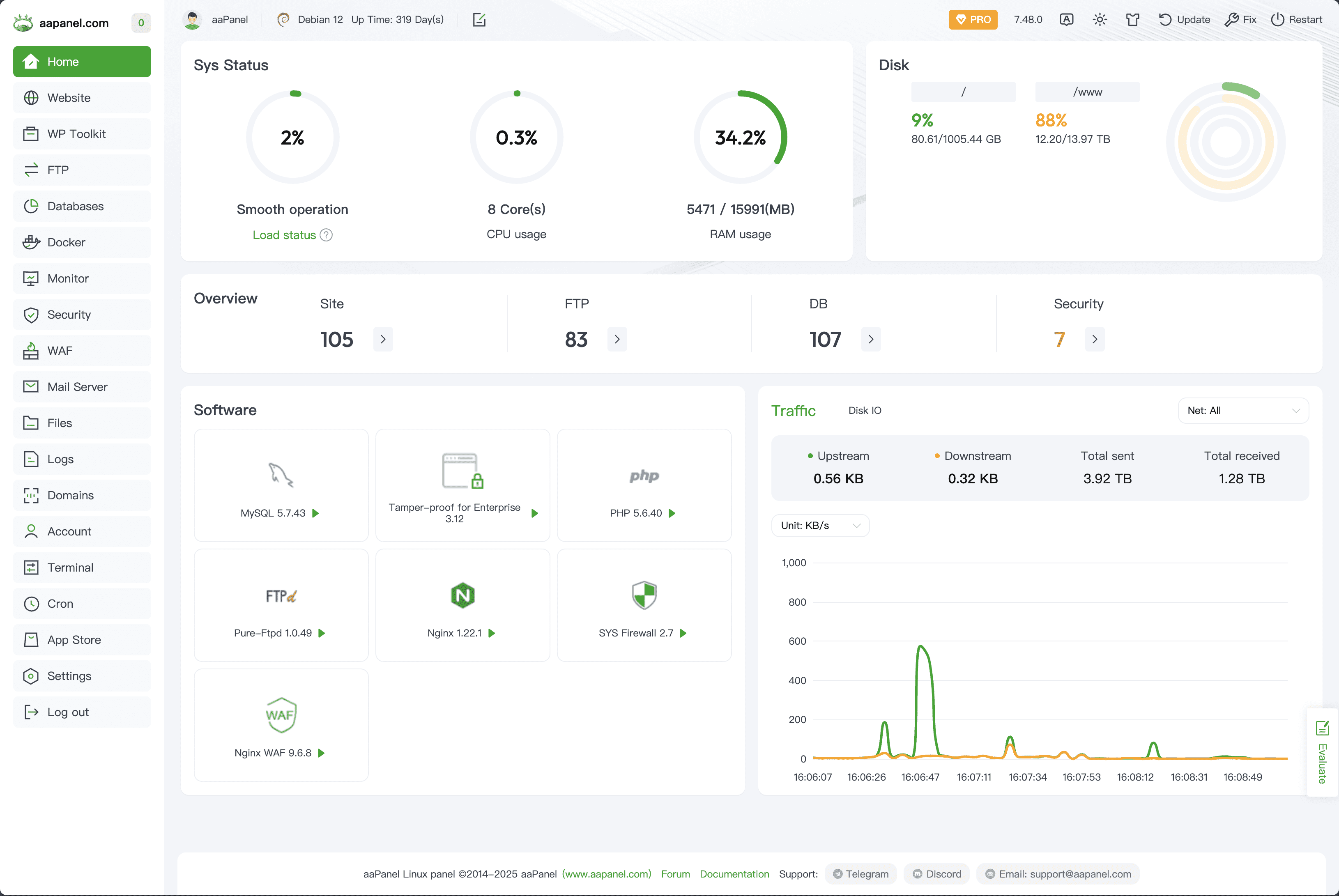
Demo:https://demo.aapanel.com/fdgi87jbn/
username: aapanel
password: aapanel
## What can I do
aaPanel is a server management software that supports the Linux system.
It can easily manage the server through the Web terminal, improving the operation and maintenance efficiency.
## Installation
> Make sure it is a clean operating system, and have not installed Apache /Nginx/php/MySQL from other environments
> aaPanel is developed based on Ubuntu 22+, it is strongly recommended to use Ubuntu 22+ linux distribution
Note, please execute the installation command with root authority
* Memory: 512M or more, 768M or more is recommended (Pure panel for about 60M of system memory)
* Hard disk: More than 100M available hard disk space (Pure panel for about 20M disk space)
* System: Ubuntu 22.04 24.04, Debian 11 12, CentOS 9, Rocky/AlmaLinux 8 9, to ensure that it is a clean operating system, there is no other environment with Apache/Nginx/php/MySQL installed (the existing environment can not be installed)
**aaPanel Installation Command**
`URL=https://www.aapanel.com/script/install_6.0_en.sh && if [ -f /usr/bin/curl ];then curl -ksSO "$URL" ;else wget --no-check-certificate -O install_6.0_en.sh "$URL";fi;bash install_6.0_en.sh 66959f96`
**aaPanel Docker Deployment**
> The docker image is officially released by aaPanel
Maintained by: [aaPanel](https://www.aapanel.com)
How to use
`$docker run -d -p 8886:8888 -p 22:21 -p 443:443 -p 80:80 -p 889:888 -v ~/website_data:/www/wwwroot -v ~/mysql_data:/www/server/data -v ~/vhost:/www/server/panel/vhost aapanel/aapanel:lib`
Now you can access aaPanel at http://youripaddress:8886/ from your host system.
* Default username:`aapanel`
* Default password:`aapanel123`
Port usage analysis
* Control Panel : 8888
* Phpmyadmin : 888
Dir usage analysis
* Website data : /www/wwwroot
* Mysql data : /www/server/data
* Vhost file : /www/server/panel/vhost
**Note: after the deployment is complete, please immediately modify the user name and password in the panel settings and add the installation entry**