# sense
**Repository Path**: avBuffer/sense
## Basic Information
- **Project Name**: sense
- **Description**: State-of-the-art Real-time Action Recognition
- **Primary Language**: Unknown
- **License**: MIT
- **Default Branch**: master
- **Homepage**: None
- **GVP Project**: No
## Statistics
- **Stars**: 0
- **Forks**: 0
- **Created**: 2021-02-09
- **Last Updated**: 2021-12-27
## Categories & Tags
**Categories**: Uncategorized
**Tags**: None
## README
---
`sense`is an inference engine to serve powerful neural networks for action recognition, with a low
computational footprint. In this repository, we provide:
- Two models out-of-the-box pre-trained on millions of videos of humans performing
actions in front of, and interacting with, a camera. Both neural networks are small, efficient, and run smoothly in real time on a CPU.
- Demo applications showcasing the potential of our models: gesture recognition, fitness activity tracking, live
calorie estimation.
- A pipeline to record and annotate your own video dataset and train a custom classifier on top of our models with an easy-to-use script to fine-tune our weights.
###### Gesture Recognition
*(full video can be found [here](https://drive.google.com/file/d/1G5OaCsPco_4H7F5-s6n2Mm3wI5V9K6WE/view?usp=sharing))*
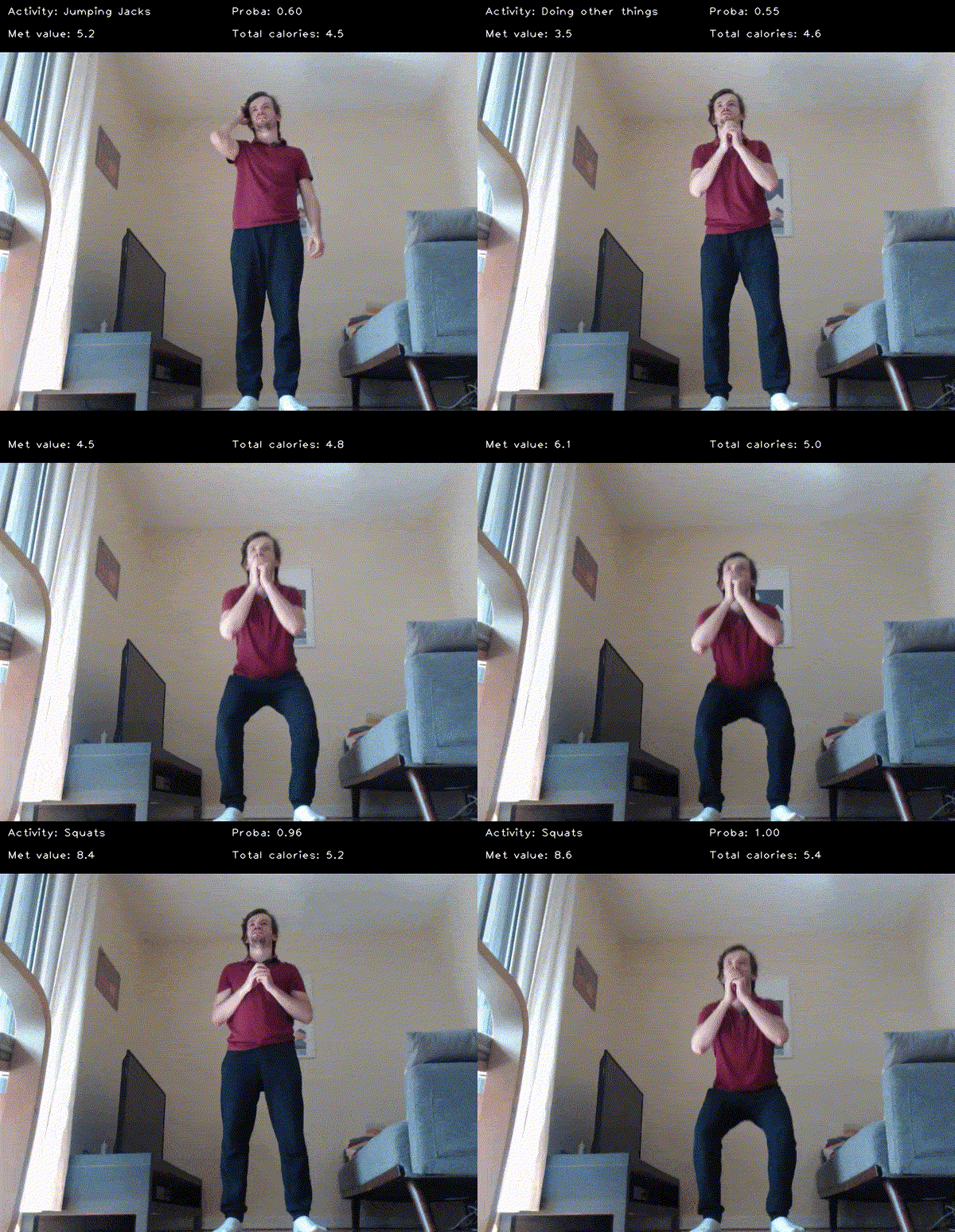
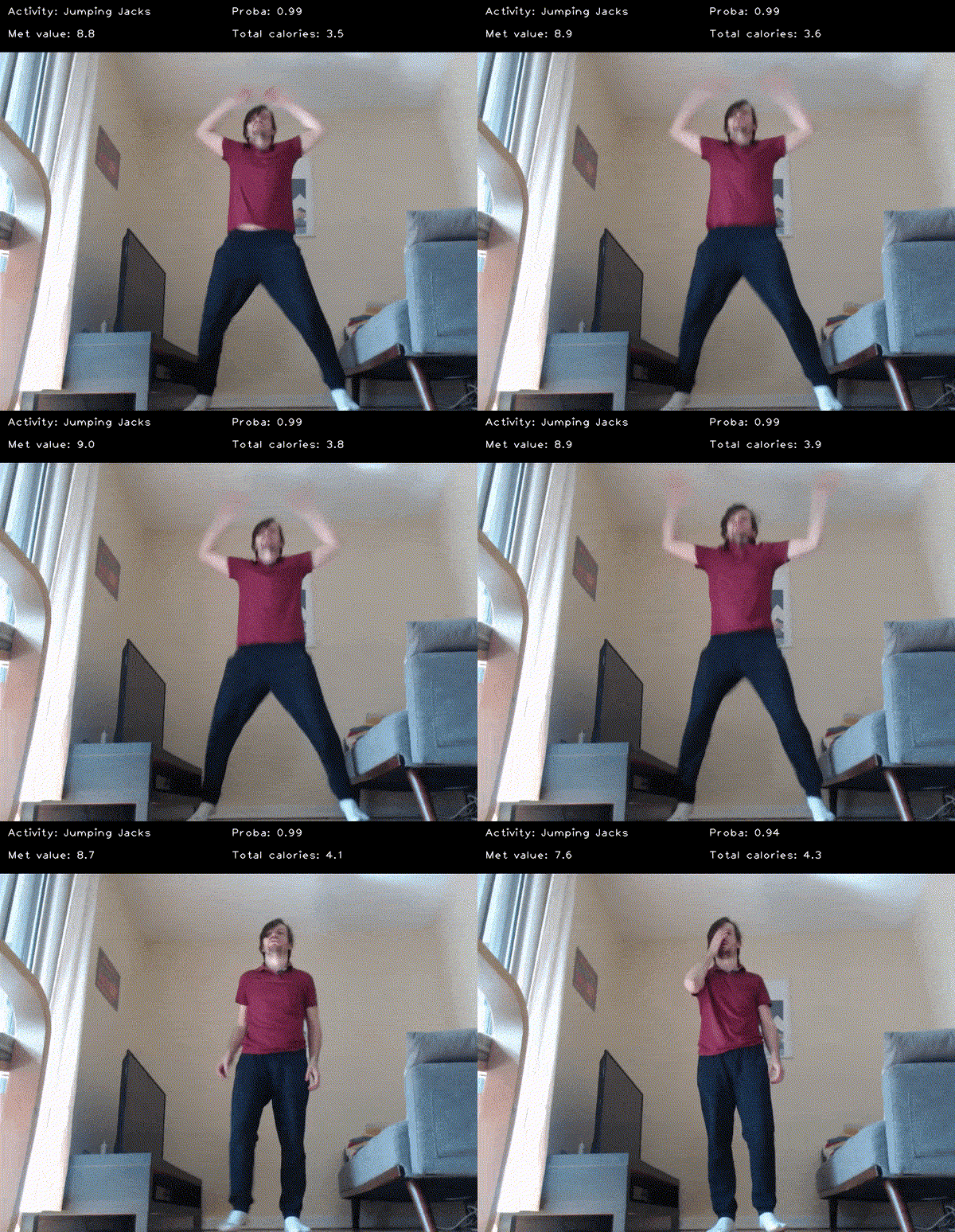
###### Fitness Activity Tracker and Calorie Estimation
*(full video can be found [here](https://drive.google.com/file/d/1f1y0wg7Y1kpSBwKSEFx1TDoD5lGA8DtQ/view?usp=sharing))*
---
## Requirements and Installation
The following steps are confirmed to work on Linux (Ubuntu 18.04 LTS and 20.04 LTS) and macOS (Catalina 10.15.7).
#### Step 1: Clone the repository
To begin, clone this repository to a local directory of your choice:
```
git clone https://github.com/TwentyBN/sense.git
cd sense
```
#### Step 2: Install Dependencies
We recommended creating a new virtual environment to install our dependencies using
[conda](https://docs.conda.io/en/latest/miniconda.html) or [`virtualenv`](https://docs.python.org/3/library/venv.html
). The following instructions will help create a conda environment.
```shell
conda create -y -n sense python=3.6
conda activate sense
```
Install Python dependencies:
```shell
pip install -r requirements.txt
```
Note: `pip install -r requirements.txt` only installs the CPU-only version of PyTorch.
To run inference on your GPU, another version of PyTorch should be installed. For instance:
```shell
conda install pytorch torchvision cudatoolkit=10.2 -c pytorch
```
See all available options [here](https://pytorch.org/).
#### Step 3: Download the Pre-trained Weights
Pre-trained weights can be downloaded from [here](https://20bn.com/licensing/sdk/evaluation). Follow the
instructions there to create an account and download the weights. Once downloaded, unzip the folder and move the
folder named `backbone` into `sense/resources`. In the end, your resources folder structure should look like
this:
```
resources
├── backbone
│ ├── strided_inflated_efficientnet.ckpt
│ └── strided_inflated_mobilenet.ckpt
├── fitness_activity_recognition
│ └── ...
├── gesture_detection
│ └── ...
└── ...
```
Note: The remaining folders in `resources/` will already have the necessary files -- only `resources/backbone`
needs to be downloaded separately.
---
## Getting Started
To get started, try out the demos we've provided. Inside the `sense/examples` directory, you will find 3 Python scripts,
`run_gesture_recognition.py`, `run_fitness_tracker.py`, and `run_calorie_estimation.py`. Launching each demo is as
simple as running the script in terminal as described below.
#### Demo 1: Gesture Recognition
`examples/run_gesture_recognition.py` applies our pre-trained models to hand gesture recognition.
30 gestures are supported (see full list
[here](https://github.com/TwentyBN/sense/blob/master/sense/downstream_tasks/gesture_recognition/__init__.py)).
Usage:
```shell
PYTHONPATH=./ python examples/run_gesture_recognition.py
```
#### Demo 2: Fitness Activity Tracking
`examples/run_fitness_tracker.py` applies our pre-trained models to real-time fitness activity recognition and calorie estimation.
In total, 80 different fitness exercises are recognized (see full list
[here](https://github.com/TwentyBN/sense/blob/master/sense/downstream_tasks/fitness_activity_recognition/__init__.py)).
Usage:
```shell
PYTHONPATH=./ python examples/run_fitness_tracker.py --weight=65 --age=30 --height=170 --gender=female
```
Weight, age, height should be respectively given in kilograms, years and centimeters. If not provided, default values will be used.
Some additional arguments can be used to change the streaming source:
```
--camera_id=CAMERA_ID ID of the camera to stream from
--path_in=FILENAME Video file to stream from. This assumes that the video was encoded at 16 fps.
```
It is also possible to save the display window to a video file using:
```
--path_out=FILENAME Video file to stream to
```
For the best performance, the following is recommended:
- Place your camera on the floor, angled upwards with a small portion of the floor visible
- Ensure your body is fully visible (head-to-toe)
- Try to be in a simple environment (with a clean background)
#### Demo 3: Calorie Estimation
In order to estimate burned calories, we trained a neural net to convert activity features to the corresponding [MET value](https://en.wikipedia.org/wiki/Metabolic_equivalent_of_task).
We then post-process these MET values (see correction and aggregation steps performed [here](https://github.com/TwentyBN/sense/blob/master/sense/downstream_tasks/calorie_estimation/calorie_accumulator.py))
and convert them to calories using the user's weight.
If you're only interested in the calorie estimation part, you might want to use `examples/run_calorie_estimation.py` which has a slightly more
detailed display (see video [here](https://drive.google.com/file/d/1VIAnFPm9JJAbxTMchTazUE3cRRgql6Z6/view?usp=sharing) which compares two videos produced by that script).
Usage:
```shell
PYTHONPATH=./ python examples/run_calorie_estimation.py --weight=65 --age=30 --height=170 --gender=female
```
The estimated calorie estimates are roughly in the range produced by wearable devices, though they have not been verified in terms of accuracy.
From our experiments, our estimates correlate well with the workout intensity (intense workouts burn more calories) so, regardless of the absolute accuracy, it should be fair to use this metric to compare one workout to another.
---
## Build Your Own Classifier
This section will describe how you can build your own custom classifier on top of our models. Our models will serve
as a powerful feature extractor that will reduce the amount of data you need to build your project.
#### Step 1: Data preparation
First, run the `tools/sense_studio/sense_studio.py` script and open http://127.0.0.1:5000/ in your browser.
There you can set up a new project in a location of your choice and specify the classes that you want to collect.
The tool will prepare the following file structure for your project, so you can insert the recorded videos into the
corresponding folders:
```
/path/to/your/dataset/
├── videos_train
│ ├── class1
│ │ ├── video1.mp4
│ │ ├── video2.mp4
│ │ └── ...
│ ├── class2
│ │ ├── video3.mp4
│ │ ├── video4.mp4
│ │ └── ...
│ └── ...
├── videos_valid
│ ├── class1
│ │ ├── video5.mp4
│ │ ├── video6.mp4
│ │ └── ...
│ ├── class2
│ │ ├── video7.mp4
│ │ ├── video8.mp4
│ │ └── ...
│ └── ...
└── project_config.json
```
- Two top-level folders: one for the training data, one for the validation data.
- One sub-folder for each class with as many videos as you want (but at least one!)
- Requirement: videos should have a framerate of 16 fps or higher.
In some cases, as few as 2-5 videos per class have been enough to achieve excellent performance!
#### Step 2: Training
Once your data is prepared, run this command to train a customized classifier on top of one of our features extractor:
```shell
PYTHONPATH=./ python tools/train_classifier.py --path_in=/path/to/your/dataset/ [--use_gpu] [--num_layers_to_finetune=9]
```
#### Step 3: Running your model
The training script should produce a checkpoint file called `classifier.checkpoint` at the root of the dataset folder.
You can now run it live using the following script:
```shell
PYTHONPATH=./ python tools/run_custom_classifier.py --custom_classifier=/path/to/your/dataset/ [--use_gpu]
```
---
## Advanced Options
You can further improve your model's performance by training on top of temporally annotated data;
individually tagged frames that identify the event locally in the video versus treating every frame with the same
label. For instructions on how to prepare your data with temporal annotations, refer to this
[page](https://github.com/TwentyBN/sense/wiki/tools#temporal-annotations-tool).
After preparing your dataset with our temporal annotations tool, pass `--temporal_training` as an additional
flag to the `train_classifier.py` script.
---
## iOS Deployment
If you're interested in mobile app development and want to run our models on iOS devices, please
check out [sense-iOS](https://github.com/TwentyBN/sense-iOS) for step by step instructions on how
to get our gesture demo to run on an iOS device. One of the steps involves converting our Pytorch
models to the TensorFlow Lite format.
### Conversion to TensorFlow Lite
Our models can be converted to TensorFlow Lite using the following script:
```shell
python tools/conversion/convert_to_tflite.py --backbone=efficientnet --classifier=efficient_net_gesture_control --output_name=model
```
If you want to convert a custom classifier, set the classifier name to "custom_classifier",
and provide the path to the dataset directory used to train the classifier using the "--path_in" argument.
```shell
python tools/conversion/convert_to_tflite.py --backbone=efficientnet --classifier=custom_classifier --path_in=/path/to/your/dataset/ --output_name=model
```
---
## Citation
We now have a [blogpost](https://medium.com/twentybn/towards-situated-visual-ai-via-end-to-end-learning-on-video-clips-2832bd9d519f) you can cite:
```bibtex
@misc{sense2020blogpost,
author = {Guillaume Berger and Antoine Mercier and Florian Letsch and Cornelius Boehm and
Sunny Panchal and Nahua Kang and Mark Todorovich and Ingo Bax and Roland Memisevic},
title = {Towards situated visual AI via end-to-end learning on video clips},
howpublished = {\url{https://medium.com/twentybn/towards-situated-visual-ai-via-end-to-end-learning-on-video-clips-2832bd9d519f}},
note = {online; accessed 23 October 2020},
year=2020,
}
```
---
## License
The code is copyright (c) 2020 Twenty Billion Neurons GmbH under an MIT Licence. See the file LICENSE for details. Note that this license
only covers the source code of this repo. Pretrained weights come with a separate license available [here](https://20bn.com/licensing/sdk/evaluation).
The code makes use of these sounds from [freesound](https://freesound.org/):
- "[countdown_sound.wav](https://freesound.org/s/244437/)" from "[milton.](https://freesound.org/people/milton./)" licensed under CC0 1.0
- "[done_sound.wav](https://freesound.org/s/388046/)" and "[exit_sound.wav](https://freesound.org/s/388047/)" from "[paep3nguin](https://freesound.org/people/paep3nguin/)" licensed under CC0 1.0