# note
**Repository Path**: Starxingyu/note_html
## Basic Information
- **Project Name**: note
- **Description**: No description available
- **Primary Language**: Unknown
- **License**: MIT
- **Default Branch**: master
- **Homepage**: None
- **GVP Project**: No
## Statistics
- **Stars**: 0
- **Forks**: 0
- **Created**: 2023-10-26
- **Last Updated**: 2023-11-02
## Categories & Tags
**Categories**: Uncategorized
**Tags**: None
## README
[](https://www.npmjs.com/package/dmego-home-page)
[](http://i.dmego.cn/)
[](/LICENSE)
[](https://saythanks.io/to/dmego)
### 个人主页
>这是我的个人主页
>衍生自 [Vno](https://github.com/onevcat/vno-jekyll) Jekyll 主题
>页面部分加载效果借鉴于 [Mno](https://github.com/mcc108/mno) Ghost 主题
>借鉴了[北岛向南的小屋](https://javef.github.io/)的头像样式
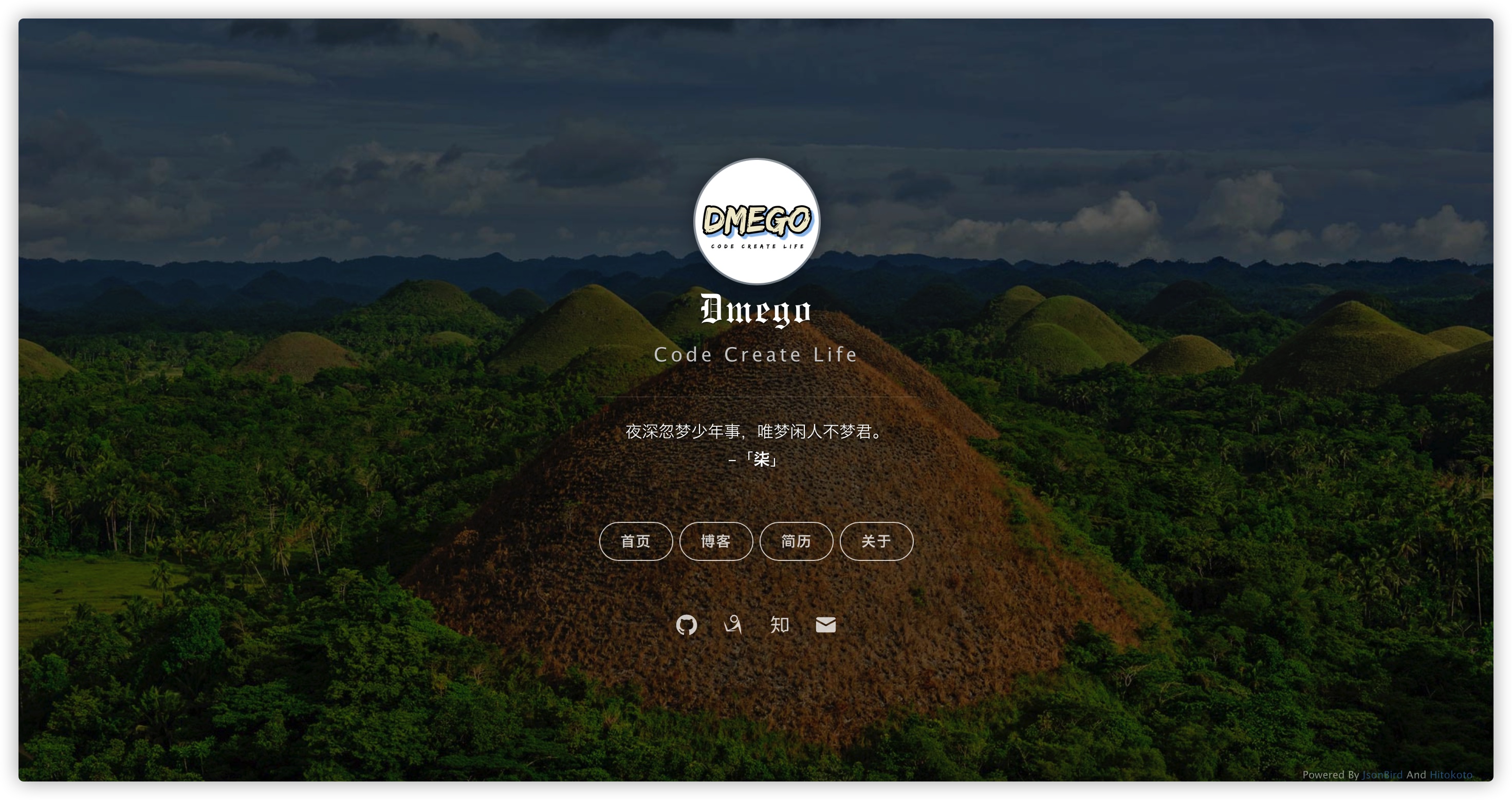
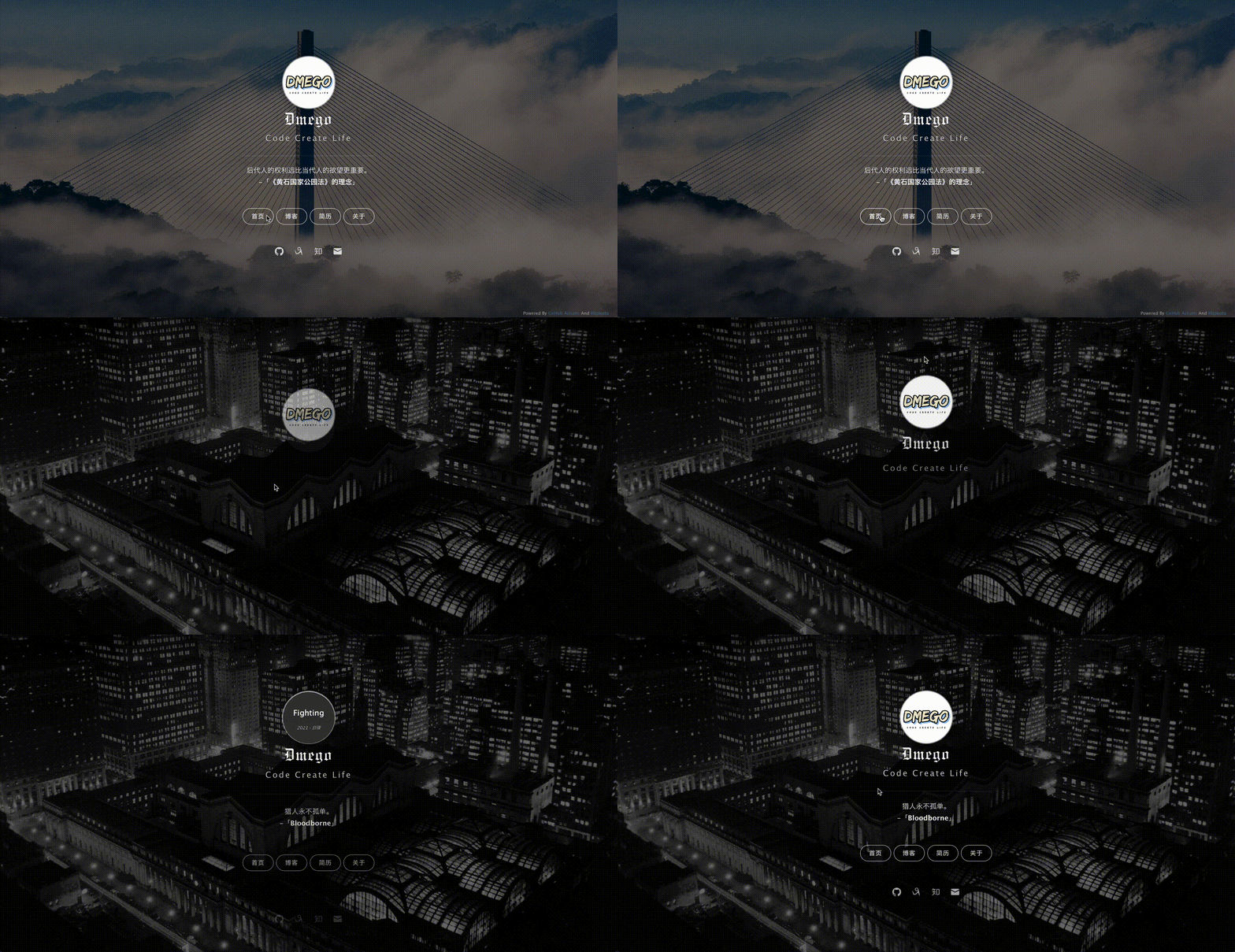
### 效果图
>静态图
>动态图
### 注
- 访问地址:[个人主页](http://i.dmego.cn/)
- 使用了 [一言](http://hitokoto.cn/) 的 API 服务
- ~~使用了 [Bing 壁纸 API](https://github.com/xCss/bing/) 服务~~
- ~~使用了 [Yahoo Query Language (YQL)](https://developer.yahoo.com/yql/) 来解决获取 Bing 壁纸跨域问题~~
- ~~原先 YQL 服务将被淘汰,现改用 [JsonBird](https://bird.ioliu.cn/)~~
- 使用 `GitHub Action` 来获取 Bing 壁纸,使用 `JSONP` 获取 Bing 壁纸 URL 文件
### GitHub Action 补充说明
- 利用 `Github Action` 提交代码需要一个 `GitHub API` 令牌, 可以在 [Create Tokens](https://github.com/settings/tokens) 这个地址,点击 `Generate new token` 按钮来创建
- `Expiration` 过期时间设置为 `No expiration`
- `Select scopes` 勾选 `repo`
- 点击 `Generate Token` 生成
- 在仓库的 `Settings` ——>`Secrets` 功能栏中,点击 `New repository secrets` 按钮
- 在 `Name` 框中填写 `GH_TOKEN`
- 在 `Secrets` 栏中填写第一步生成的 `Token` 值
- 详细配置步骤图可以参考《[GitHub Action 配置详细步骤](./ActionNotes.md)》文档
### 更新记录
- 2022-06-10
- 发布 NPM 包,使用 UNPKG 作为资源文件的 CDN
- 2023-02-27
- 添加《GitHub Action 配置详细步骤》文档
- 2023-04-12
- 移除 Jquery 依赖,使用原生 JS
- 2023-08-28
- 将壁纸地址换成 cn.bing.com
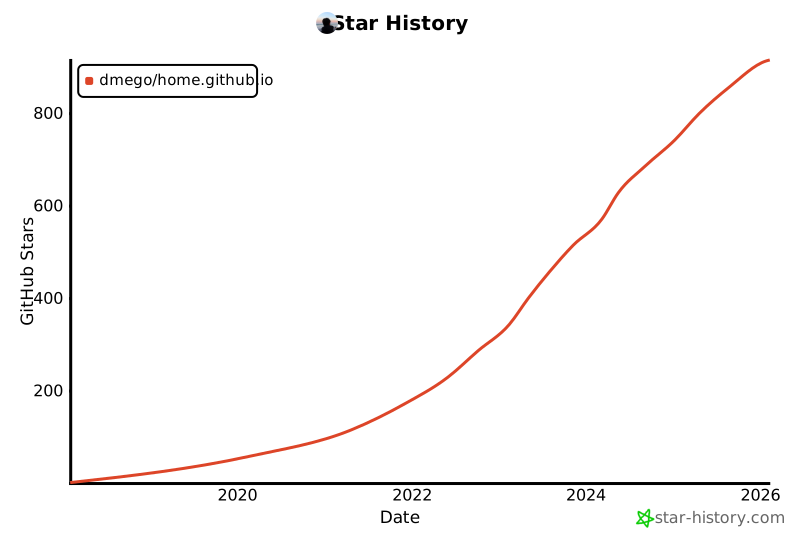
### Star History
[](https://star-history.com/#dmego/home.github.io&Date)